
Privacy Lab · Preview
Tools that are not ready yet.
This is where future $404 privacy tools will live. None of them are live. This page shows what is planned, and how it will be built.
Nothing on this page scans anything. No addresses, files or personal data are collected. The self-check below runs entirely in your browser.
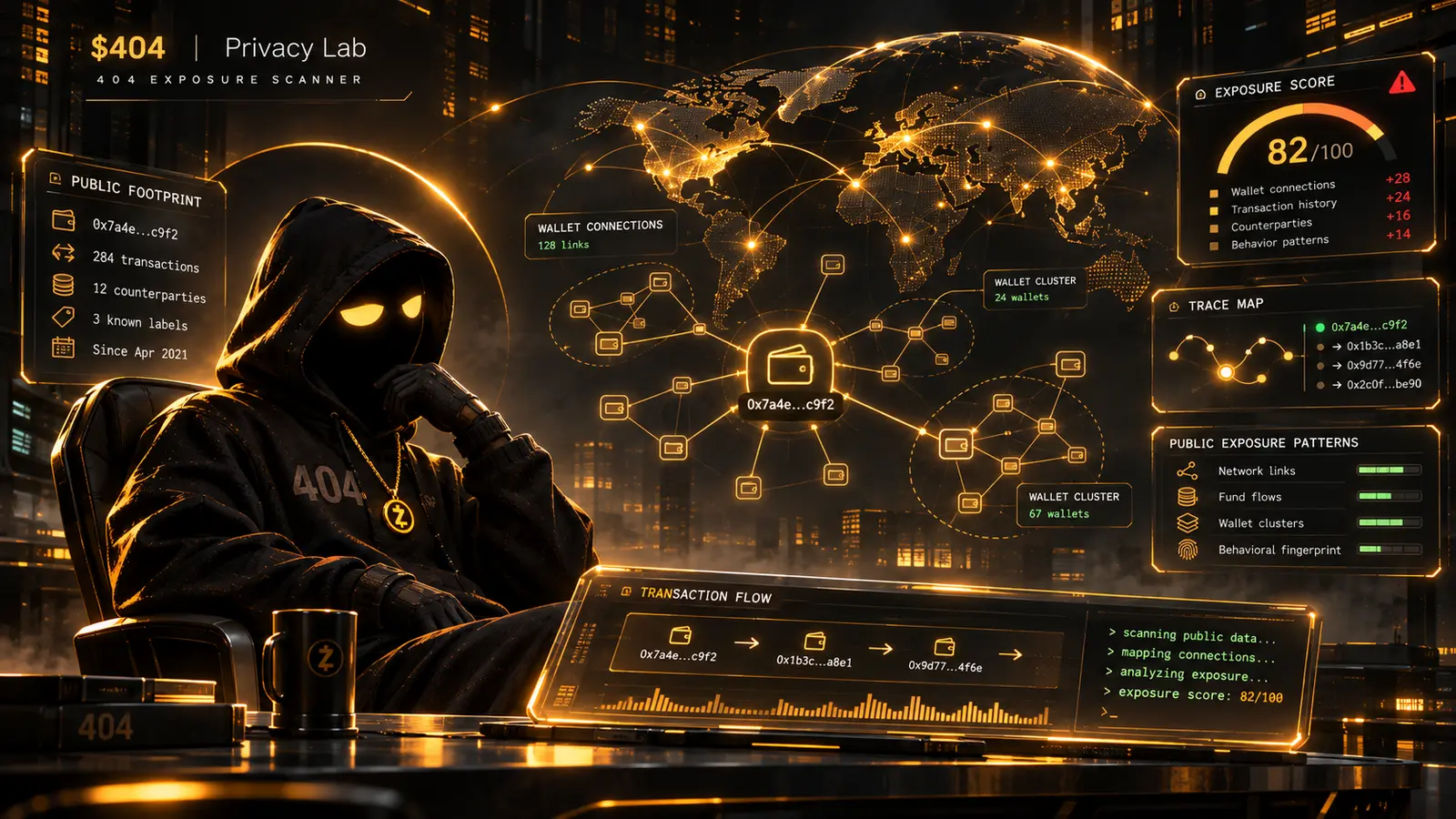 Concept art
Concept art for the planned Exposure Scanner. The score, addresses and figures in the image are illustrative, not real data.
Lab × Unfound Academy
The planned learning loop
The Lab shows what’s public. The Academy explains why it matters and what your options are. Only the Academy half exists today.
- 01In development
See what’s public.
The future 404 Exposure Scanner is designed to estimate how visible a public Solana wallet is, using only public on-chain information.
Privacy Lab preview → - 02Available
Understand why it matters.
The Academy explains transaction visibility, digital footprints and what the chain remembers.
Level 01 → - 03Available
Discover privacy options.
Wallet hygiene, Zcash, shielded transactions and safe first steps, explained honestly.
Levels 02–06 →
The scanner is not live. When it ships, it will estimate visibility from public data only. It will not identify real-world people, and it cannot make anyone anonymous or guarantee privacy.
Planned tools
On the bench
Exposure Scanner
PlannedPaste a public Solana address and get an estimate of what any observer could learn from public on-chain data: activity patterns, linked addresses and common exposure risks. It will not identify real people or guarantee anonymity.
Trace Map
PlannedA visual map of how funds moved between addresses, so you can see your history the way an analyst would.
Address Hygiene Report
PlannedFlags address reuse and links between your wallets, with plain-language suggestions to fix them.
Metadata Cleaner
PlannedRemoves location and device data from photos inside your browser, before you post them.
Ground rules for every Lab tool
- Lab tools will never ask for a seed phrase or private key.
- They will run in your browser wherever possible.
- How each tool works will be published before it launches.
- Nothing will be labelled live until it has been publicly tested.
Privacy self-check
Nine quick questions about your habits. This is a checklist, not a scan: it cannot see your accounts or wallets, and your answers are never stored or sent.
Your result
/ 9